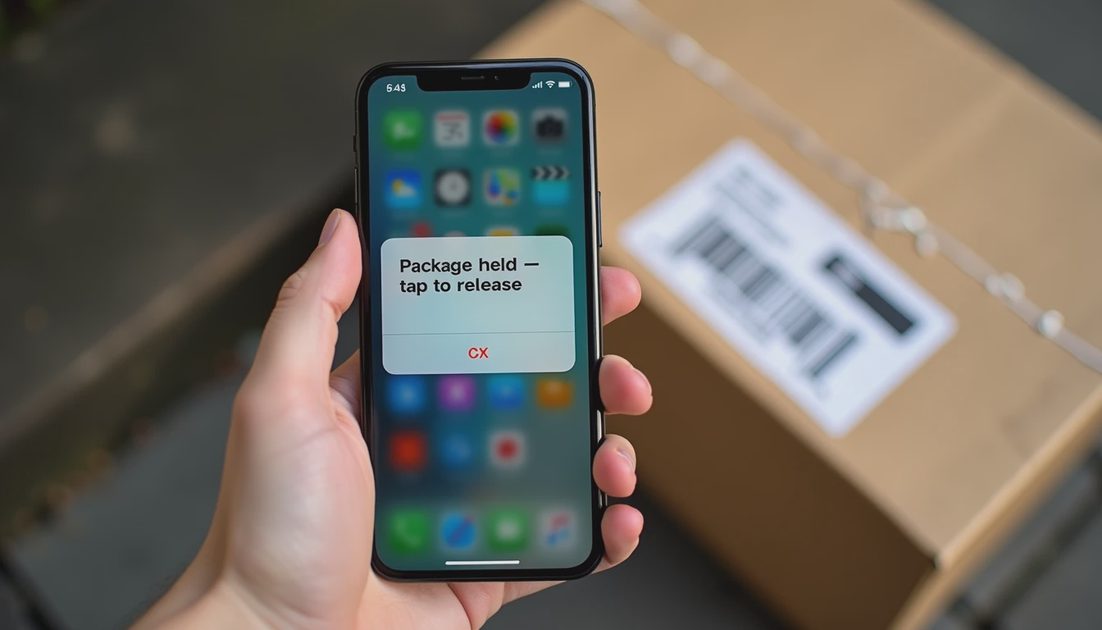
The text says a package could not be delivered. It includes a link. The logo looks familiar. The panic is real—especially if you are waiting for something important.
Most of these messages are phishing. A few might be legitimate. The skill is checking without clicking the link in the text. This guide is the method I use and teach family members.
I have watched people lose email and banking access because a “package” text arrived on a busy afternoon and the link looked close enough. The five extra seconds required to open the real app instead of the text link would have prevented the whole incident. That is why this habit belongs in the same category as the clean-device rule: small friction, large protection.
The same discipline applies to delivery emails. If an email claims a package problem, open the carrier site from a bookmark or typed address rather than from a button inside the message. The channel you initiate is the channel you can trust more.
The Default Rule
Treat every unexpected delivery text as untrusted until proven otherwise through a channel you initiate.
Do not click the link. Do not call a number provided in the text. Do not reply with personal information.
This rule feels strict until the first time it prevents a compromised login. After that it feels ordinary. Share it with teenagers who order packages constantly and with older relatives who receive fewer packages but higher-pressure messages. The rule scales across ages because the attack technique is the same.
How to Verify Safely
Open the official app or website of the carrier you actually use (USPS, UPS, FedEx, Amazon, etc.) by typing the address or using a saved bookmark.
Sign in and check tracking for real shipments.
If you have an order number from a merchant confirmation email, use that number on the official site.
If nothing matches, delete the text and move on.
If something looks wrong on the official site—unfamiliar shipments or account changes—change the password from a clean device and review recent activity.
Bookmark the official tracking pages on the devices your family uses most. When a text arrives, the bookmark is faster than trusting a link. Speed is the scammer’s friend; a ready official path is yours.
Extra Caution Signs
The text asks for a fee, a login, or a download to “release” the package
The link domain does not match the real carrier when you inspect it carefully (without clicking)
You are not expecting any packages
The message creates extreme urgency (“final notice,” “held at depot,” “respond within hours”)
The text arrives outside normal business patterns or uses poor grammar mixed with official logos
Urgency is a tool. Real carriers can be delayed; they rarely demand instant personal data by text link. When several caution signs appear together, delete the message and verify only through official channels. There is almost never a legitimate reason to “unlock” a package by clicking a text link and entering a password.
Check | Safe method | Unsafe method |
|---|---|---|
Is there a real package? | Official app / typed website | Link inside the text |
Is my account compromised? | Official login from clean device | “Verify now” button in message |
Who sent this? | Ignore; verify via official channels | Reply or call number in text |
Print or screenshot this table for family members who prefer a visual reminder. The left column is curiosity; the middle column is the safe path; the right column is how most successful phishing texts operate.
If You Already Clicked
Stop. Do not enter passwords or payment information on the page that opened. Close the browser or app. From a clean device, change passwords for email and any accounts that might have been exposed. Run a malware scan on the device that clicked. Monitor bank and card activity. Report the phishing attempt through the official carrier and FTC channels if appropriate.
If you entered a password, treat that account as compromised: change the password from a clean device, review recovery options, and sign out other sessions. If you entered payment information, contact the bank or card issuer immediately using the number on the card.
Save a screenshot of the suspicious text before deleting it. The screenshot becomes evidence if you later need to report a related account takeover. Put it in the same evidence folder used for other incidents. One habit, many problems.
Stop the damage. Save the proof. Take the next step.
Fake delivery texts work because they attach themselves to ordinary life—waiting for a package, juggling schedules, trusting familiar logos. The fix is not paranoia. It is a habit: verify on a channel you control, never on a channel the message provides. Teach the habit to teenagers and older relatives in the same plain language. The text will keep coming. The response can stay consistent.
A household that verifies through official apps instead of text links will still receive phishing. They will simply click less often. That is a realistic definition of progress. The goal is not zero phishing texts. The goal is zero clicks on the ones that matter. Build the official-app habit once; use it every time a package text arrives.
No comments yet.