Sudden loss of signal is usually just a network glitch.
Sudden loss of signal combined with failed verification codes, unexpected carrier emails, or an inability to receive texts can be something else: a SIM swap or account takeover at the carrier level.
This article lists the practical clues that raise the priority from “wait and see” to “treat as a carrier emergency,” and the first steps to take when those clues appear.
I treat multiple simultaneous clues as a fire alarm, not a weather report. One missed text can be nothing. Missed texts plus a carrier notice plus a banking code that never arrives is a pattern that deserves a phone call before the next login attempt. Waiting overnight “to see if service comes back” is the most common delay I have seen, and the most avoidable.
Clues That Deserve Immediate Attention
You stop receiving texts and calls while the phone shows limited or no service
Password-reset or two-factor codes stop arriving on a number that previously worked
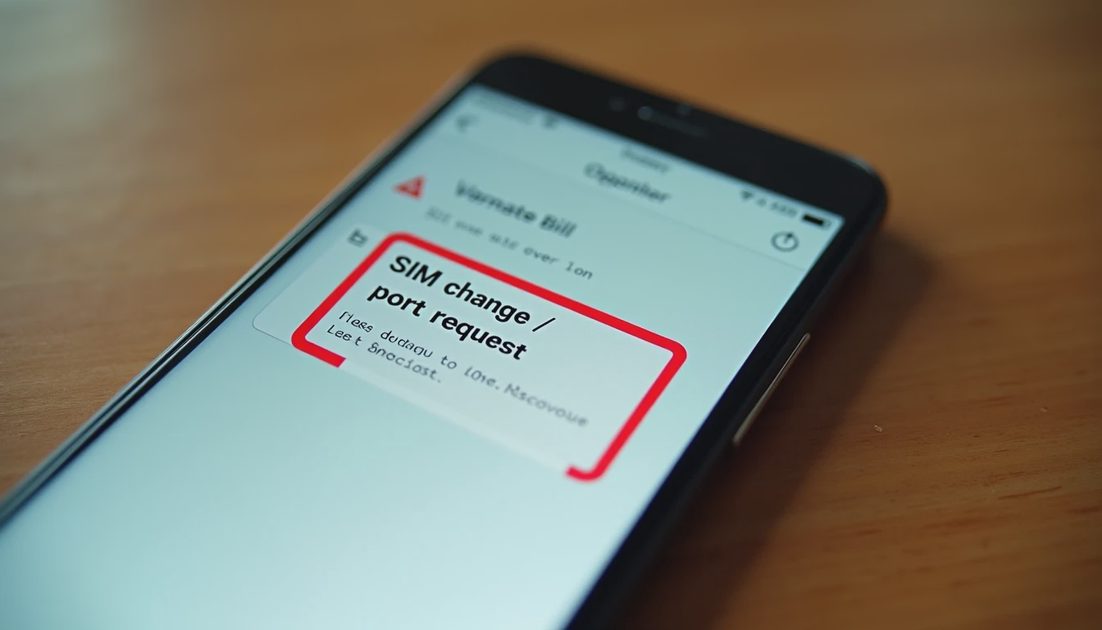
You receive an email or text from the carrier about a SIM change, port request, or new device you did not authorize
Banking or email apps suddenly fail multi-factor challenges that rely on SMS
A family member reports the same number is now reaching a stranger
You are unexpectedly logged out of accounts and cannot complete SMS verification to get back in
Any one clue can have an innocent explanation. Several clues together justify treating the situation as urgent. When in doubt, make the carrier call. A false alarm costs a few minutes. A delayed response to a real swap can cost accounts.
Immediate Actions
From a different phone, call the carrier’s official loss/fraud number (not a number from a recent text).
Report possible unauthorized SIM activity and ask them to lock the account against ports and SIM changes.
Request a reference number and ask what verification they will require for any future changes.
Change passwords for email and financial accounts from a clean device, prioritizing accounts that used SMS for two-factor.
Switch critical accounts to authenticator apps or security keys as soon as you regain stable access.
Document every clue and every call in your evidence file.
Do not use links or phone numbers that arrived in unexpected messages claiming to be from the carrier. Type the official number from a statement, the carrier’s website on a clean device, or a previously saved contact. Attackers sometimes send fake “your SIM is being swapped” messages to create panic and harvest credentials.
Why SMS Two-Factor Becomes a Liability Here
If an attacker controls the phone number, they may receive the codes that protect email and banking. That is why the response includes both the carrier lock and the rapid migration away from SMS-based verification for high-value accounts.
Authenticator apps and security keys do not depend on the phone number. Moving critical accounts to those methods before an incident is ideal; moving them during an incident is still better than leaving SMS as the only path. Start with the email account that receives password resets, then banking, then other high-value logins.
Clue | Possible innocent cause | Why it still warrants a call |
|---|---|---|
No signal | Tower outage | Combine with other clues |
Codes not arriving | App glitch | Especially with signal loss |
Carrier notice of SIM change | Rare legitimate update | Verify immediately |
Stranger answers the number | Misdial | Treat as high priority |
The table is not a diagnosis. It is a priority aid. When two or more rows apply at the same time, make the carrier call before you spend more time troubleshooting the phone itself.
After the Carrier Confirms or Denies
If the carrier confirms unauthorized activity, ask what additional protections they can place on the account and whether a new SIM with stricter port controls is available. Continue monitoring financial and email accounts for at least several days.
If the carrier finds no swap, still review why codes failed and consider moving critical accounts off SMS verification as a permanent improvement.
Also ask the carrier to note on the account that you want extra verification for any future SIM or port requests. Many carriers can add a special PIN or passphrase that must be provided before changes are made. That extra step is worth requesting even when the current incident turns out to be a false alarm.
Stop the damage. Save the proof. Take the next step.
A SIM swap is a carrier-level problem that quickly becomes an account-level problem. Catching the clues early and locking the carrier account first limits how far the attacker can travel through your other logins. The same evidence habits used for bank fraud—reference numbers, timelines, screenshots—apply here. Put them in the same folder. The carrier reference number belongs next to the bank reference numbers. One incident, one file. That habit turns a confusing evening into a record you can hand to a bank, a regulator, or a police officer if the situation grows. Start with the carrier. Finish with the evidence file. The accounts in between will be safer for it. That is the whole point of treating the clues as urgent.
No comments yet.