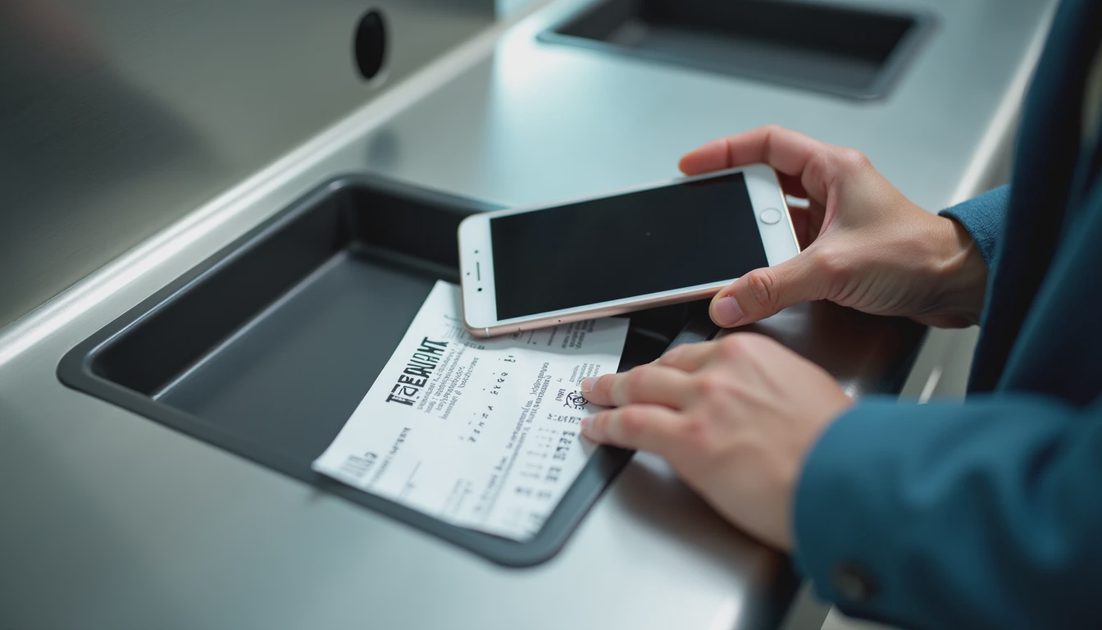
A phone left at a security bin or on a seat does not just mean a lost device. It can mean access to email, banking apps, authenticator codes, and family accounts. The order of the calls you make in the first hour determines how far the damage spreads.
This is the call order I use and recommend when a phone goes missing in a public place such as an airport.
I have helped family members through this exact scenario. The ones who called the carrier and locked the device account first limited the damage. The ones who spent the first hour only searching the terminal or posting on social media sometimes discovered later that banking apps had been opened. Order matters more than optimism. The rest of this guide is the order that has limited the blast radius for us.
First Principles
Assume the phone may be unlocked or unlockable long enough for someone to open apps.
Prioritize cutting access over finding the hardware.
Use a clean device for every recovery action.
Document every call with time and reference numbers.
These principles stay the same whether the phone is at an airport, a restaurant, or a school parking lot. The airport simply raises the odds that a stranger will pick it up within minutes. Acting as if access is already possible is safer than hoping the phone is still face-down under a chair.
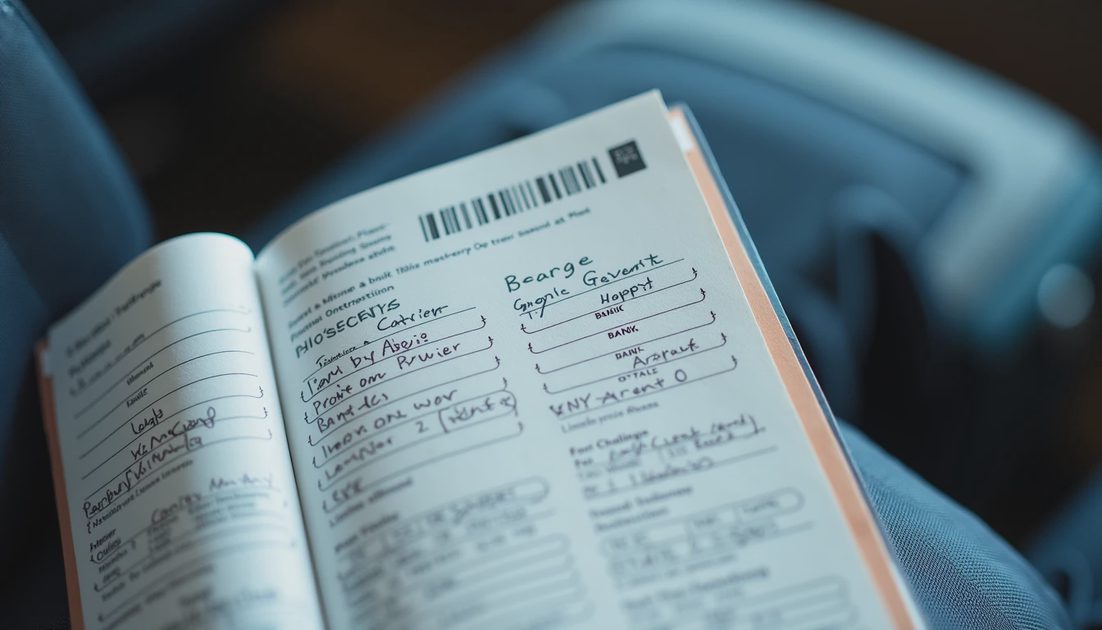
The Call Order
1. Carrier
Call the carrier from another phone. Report the device lost or stolen. Ask them to suspend service and, if available, enable a SIM lock or prevent SIM changes. Note the reference number. Ask whether they can also disable the ability to port the number without extra verification.
2. Apple / Google device account
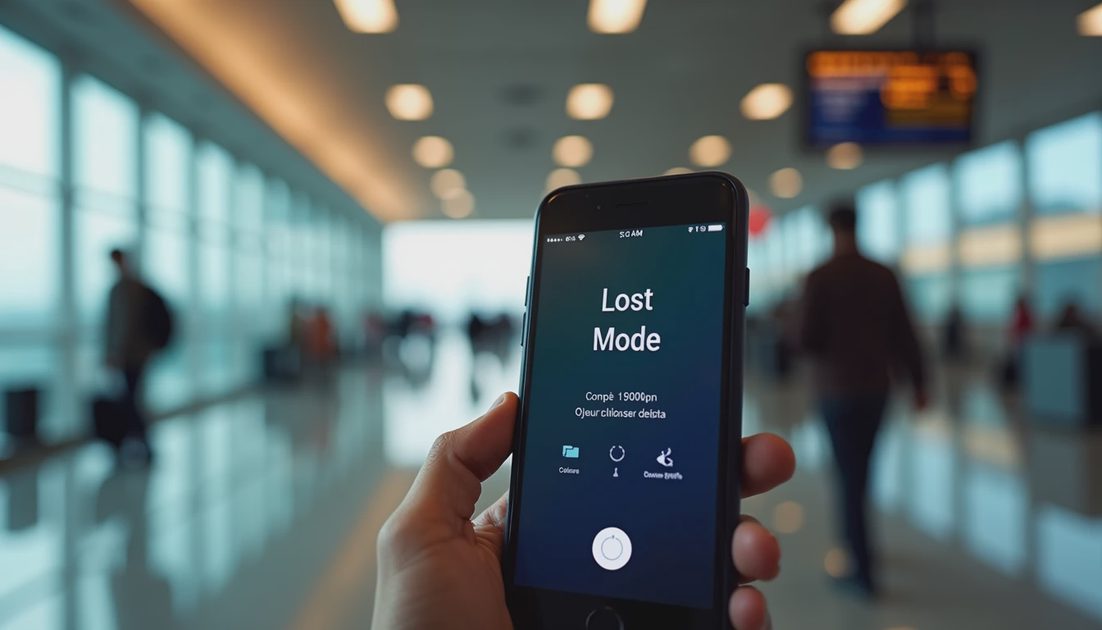
From a clean device, sign into Find My or Find My Device. Mark the phone as lost, lock it, and enable tracking if still possible. Do not unlock it remotely for a stranger who claims to have found it. If the phone still shows a location, do not confront anyone yourself in a public terminal; involve airport security or police if recovery seems possible.
3. Primary email and major accounts
Change passwords for the email account that receives password resets, then for banking and any authenticator-backed services. Sign out other sessions where possible. If the lost phone was an authenticator device, switch two-factor methods immediately so codes no longer arrive only on the missing hardware.
4. Banks and payment apps
Freeze cards linked to mobile wallets. Review recent transactions. Report unauthorized activity immediately. Mobile wallets can sometimes be used even when the cellular service is suspended; do not assume the carrier step alone protects payment apps.
5. Police report if appropriate
If theft is likely or if financial loss has already occurred, file a report and keep the case number for banks and insurers. Some banks request a report number before advancing certain claims.
Priority | Who to contact | Main request |
|---|---|---|
1 | Carrier | Suspend service / block SIM changes |
2 | Apple or Google | Lost Mode / remote lock |
3 | Email + major logins | Password change + session sign-out |
4 | Banks / payment apps | Freeze cards and review activity |
5 | Police (if needed) | Case number for later claims |
What Not to Do
Do not post detailed “lost phone” messages that reveal your full name, flight, or hotel.
Do not approve login prompts you did not initiate.
Do not wipe the device until you have decided that recovery of data is less important than security—and only after you have exhausted tracking options if data recovery matters.
Do not give remote access or verification codes to anyone who contacts you claiming to have found the phone unless you have independently verified their identity through official channels.
Do not delay the carrier and device-account steps while you search the terminal. Searching can happen in parallel; account lockdown should not wait.
After the First Hour
Continue monitoring accounts for 48–72 hours. Replace the SIM or device only after the old one is fully suspended. Update two-factor methods so that the lost phone is no longer a recovery factor.
If the phone is later recovered, do not simply unlock it and resume normal use. Verify that service was properly suspended and restored, review account activity for the missing period, and consider a security scan or reset if the phone was out of your control for any significant time.
Stop the damage. Save the proof. Take the next step.
The same order—carrier, device account, email, banks—applies to many lost-phone situations outside airports. The airport version simply compresses the timeline because the phone is more likely to be picked up quickly by a stranger. Practice the order once in calm conditions so it is available under stress. A written card in your wallet with the carrier’s loss number and your key account recovery emails can save critical minutes. Laminate it if you travel often. The goal is to make the first correct action the easiest action when you are tired, delayed, and missing a device. Write the order down once; use it whenever a phone goes missing.
No comments yet.