

Right now your job is not to solve the whole story. It is to stop the next loss.
When you realize an account has been taken over—email, social media, shopping, or anything tied to a password reset—the first fifteen minutes set the boundary between a contained problem and a spreading one. Panic makes people open the same device the attacker may still control, reset passwords in the wrong order, or close the one tab that held the only evidence. This guide is the sequence I wish someone had handed me the first time it happened to our family.
I am not a security engineer. I am a parent in Renton who has been locked out, helped an older relative through a scam, and learned the hard way that order matters more than speed.
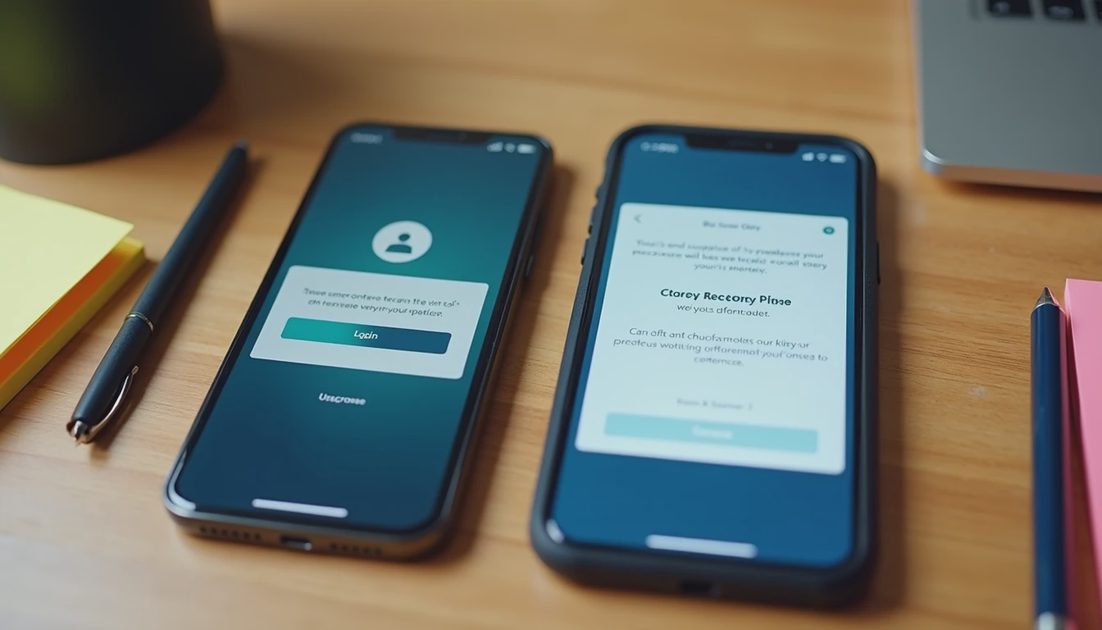
Minute 0–2: Get Off the Compromised Device If You Can
If the account was opened or changed from a phone or laptop you still control, put that device down. Use a different phone, a tablet that was not logged in, or a trusted family member’s device. The goal is simple: stop feeding the attacker new sessions, new location data, or new approval prompts.
If every device you own was signed into the same account, you still need to act, but treat every confirmation screen as potentially hostile. Do not approve login attempts you did not initiate. Do not click “yes, this was me” out of habit.
Minute 2–5: Capture What You Can See Without Closing It
Before you change anything, save proof.
Screenshot the suspicious login alert, the changed email address, the new phone number, or the recovery message.
Note the exact time and the device or location shown if the platform displays it.
If an email arrived about the change, leave that email open or forward it to a clean address you still control.
Write down any reference numbers, ticket IDs, or confirmation codes that appear on screen.
Save the screenshot before you close the page. Evidence disappears the moment you refresh, dismiss, or get locked out further. A bank, platform, or police report is easier to file when you have a timestamped image instead of a memory.
Minute 5–10: Cut the Immediate Paths Out
Not every account offers the same controls, but the priority order is usually the same:
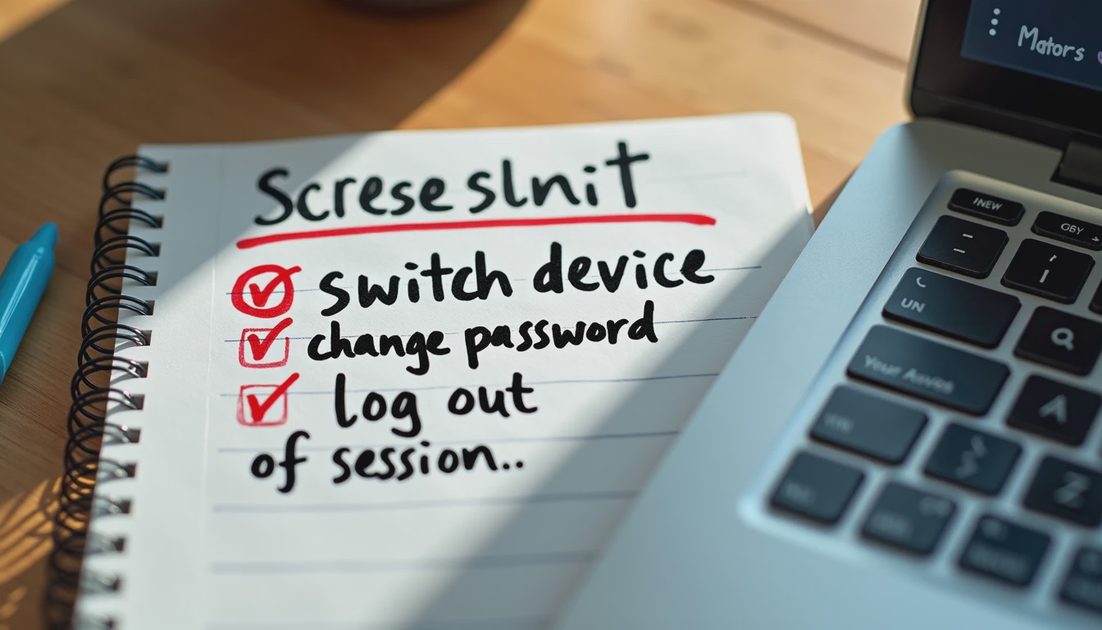
Change the password if you still can, using a long unique phrase you have never used elsewhere.
Sign out of all other sessions if the platform offers a “sign out everywhere” button.
Turn on or reset two-factor authentication to a method the attacker does not control—preferably an authenticator app or a security key, not a text message to a number that may already be compromised.
Remove any unfamiliar recovery email, phone number, or linked device.
If the platform will not let you change these settings because the attacker already changed the recovery options, stop trying to force it from the same device. Move to the official account-recovery flow from a clean device and prepare the evidence you just saved.
Action | Why it comes first | What to avoid |
|---|---|---|
Capture screenshots | Evidence can vanish on the next click | Closing the tab “to start fresh” |
Use a different device | Prevents new sessions for the attacker | Approving prompts on the old phone |
Change password + sessions | Limits ongoing access | Reusing an old password |
Update 2FA to a clean method | Blocks easy re-entry | Relying only on SMS if SIM risk exists |
Minute 10–15: Decide What Else Is at Risk
An email account is rarely just an email account. It is often the recovery key for banking, shopping, school, and social platforms. In the last few minutes of this window, make a short list of anything that used the compromised address for password resets. You do not need to fix all of them yet. You need to know which ones to watch and which ones to lock next.
Also write down:
The exact time you first noticed the problem
Whether money, messages, or personal files appear to have been touched
Whether a phone number or secondary email was changed
That short list becomes the start of your evidence file. Later articles in this series cover the full recovery sequences for Google, Apple, Meta, and bank-linked accounts. The first fifteen minutes are about containment, not complete restoration.
What Success Looks Like at the Fifteen-Minute Mark
You have:
Stopped using the compromised device for recovery actions
Saved at least one clear screenshot or note with a timestamp
Changed the password or started the official recovery path from a clean device
Signed out other sessions or removed obvious attacker-controlled recovery methods where possible
Listed the other accounts that may now be exposed
You have not necessarily regained full access. That is acceptable. Full access can take hours or days. Stopping further damage and preserving proof are the jobs that cannot wait.
Stop the damage. Save the proof. Take the next step.
If the account controls money, move next to the Money in Motion guides. If it is a Google, Apple, or Meta account, the detailed recovery sequences are the logical follow-up. If a family member’s account was involved, keep the same order: contain first, explain later.
No comments yet.